Image to Text (OCR)
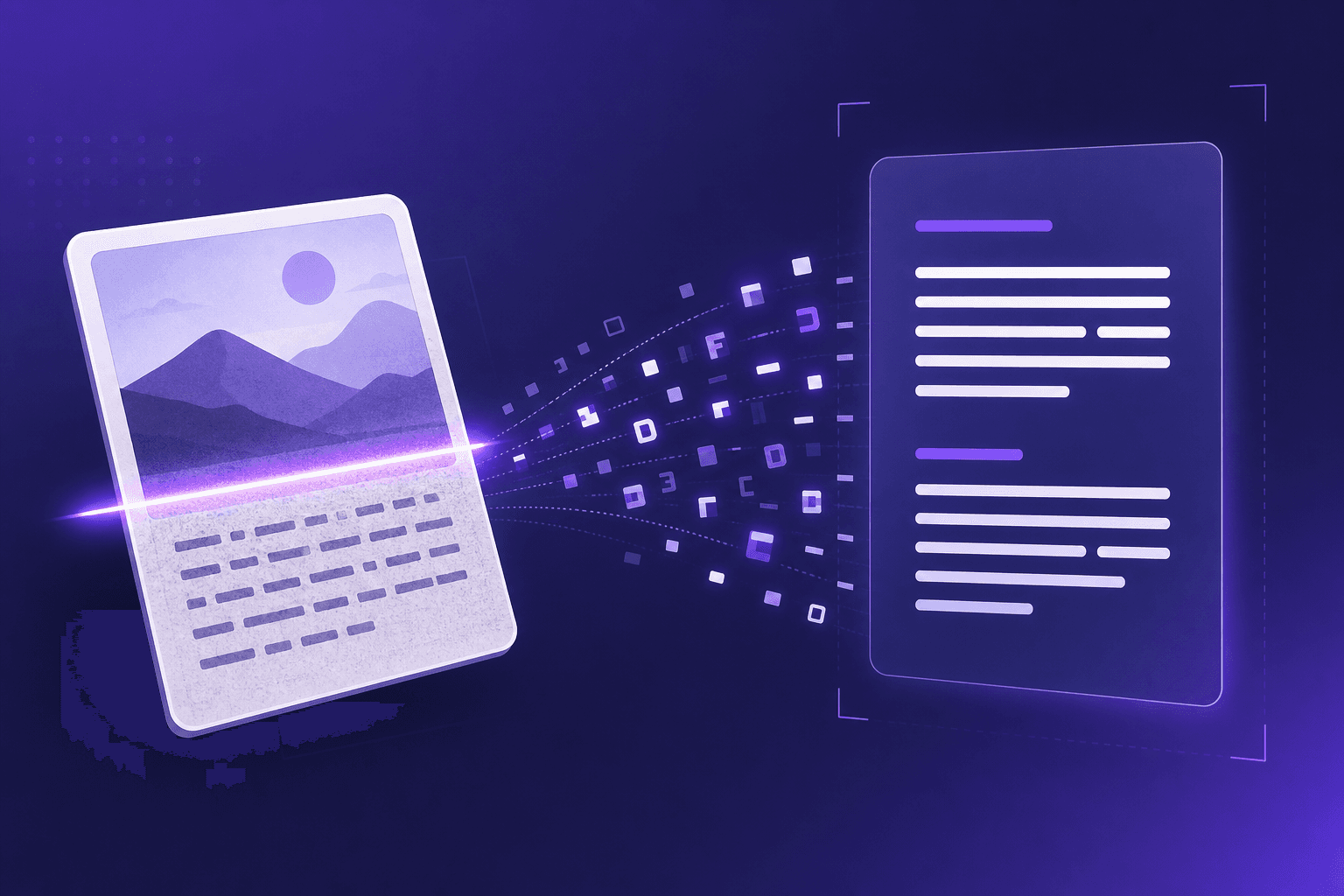
Turn any image - a screenshot, a photo, or a scanned CV - into editable text using optical character recognition (OCR). Everything is processed in your browser, so your images stay private.
Loading tool...
How to use Image to Text (OCR)
- 1
Upload an image
Drop in a PNG, JPG, or WebP image of a document, screenshot, or scanned CV.
- 2
Run recognition
The built-in OCR engine analyses the image and detects the characters it contains - right on your device.
- 3
Use the result
Copy the recognised text, edit it, or download it. Turn on CV mode to highlight detected emails, phone numbers, and links.