What Is OCR? How to Turn an Image Into Editable Text
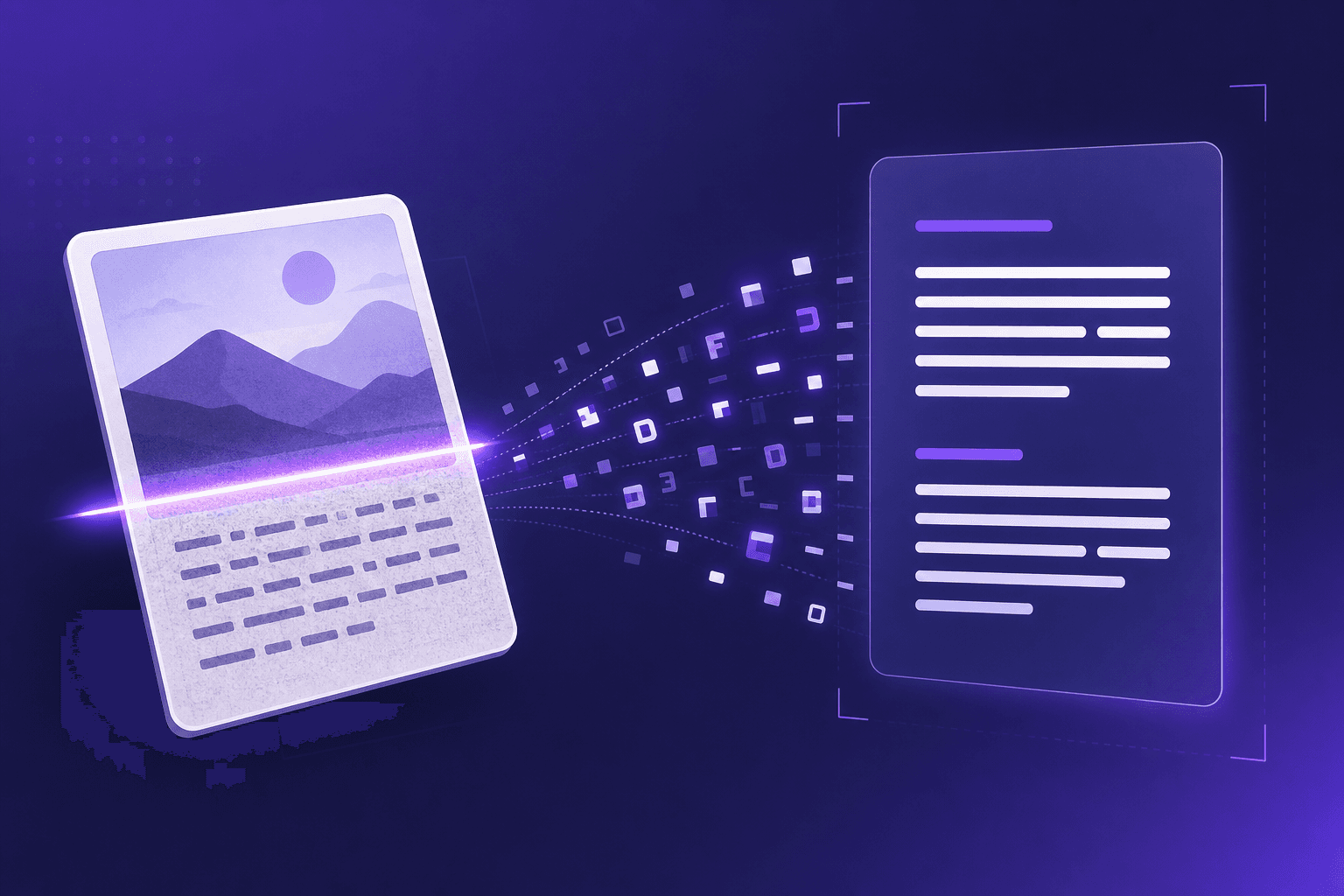
Optical character recognition - OCR for short - is the technology that turns pictures of text into actual, editable text. It's what lets you take a photo of a receipt or a screenshot of a document and pull out the words inside. Here's how it works and how to use it.
How OCR works in plain English
An OCR engine scans an image, detects shapes that look like characters, and matches them against patterns it has learned. Modern engines handle different fonts, sizes, and layouts, and can recognise whole paragraphs at once. The output is text you can copy, search, and edit.
Common uses for OCR
- Copying text from a screenshot you can't select.
- Digitising a printed document or book page.
- Pulling contact details out of a scanned CV or business card.
- Extracting figures from a photographed receipt or invoice.
How to convert an image to text
Our Image to Text tool runs a full OCR engine inside your browser, so your images stay private.
- Upload a PNG, JPG, or WebP image.
- Wait a few seconds while the engine recognises the text.
- Copy or download the result. Turn on CV mode to automatically highlight detected emails, phone numbers, and links.
Tips for the best accuracy
- Use a sharp, high-resolution image.
- Make sure the text is straight, not skewed or rotated.
- Avoid heavy shadows, glare, and blur.
- Higher contrast between text and background helps a lot.
Summary
OCR bridges the gap between images and editable text. With a browser-based tool you can convert screenshots, photos, and scanned documents into usable text in seconds - privately and for free.